Other Settings
Interface
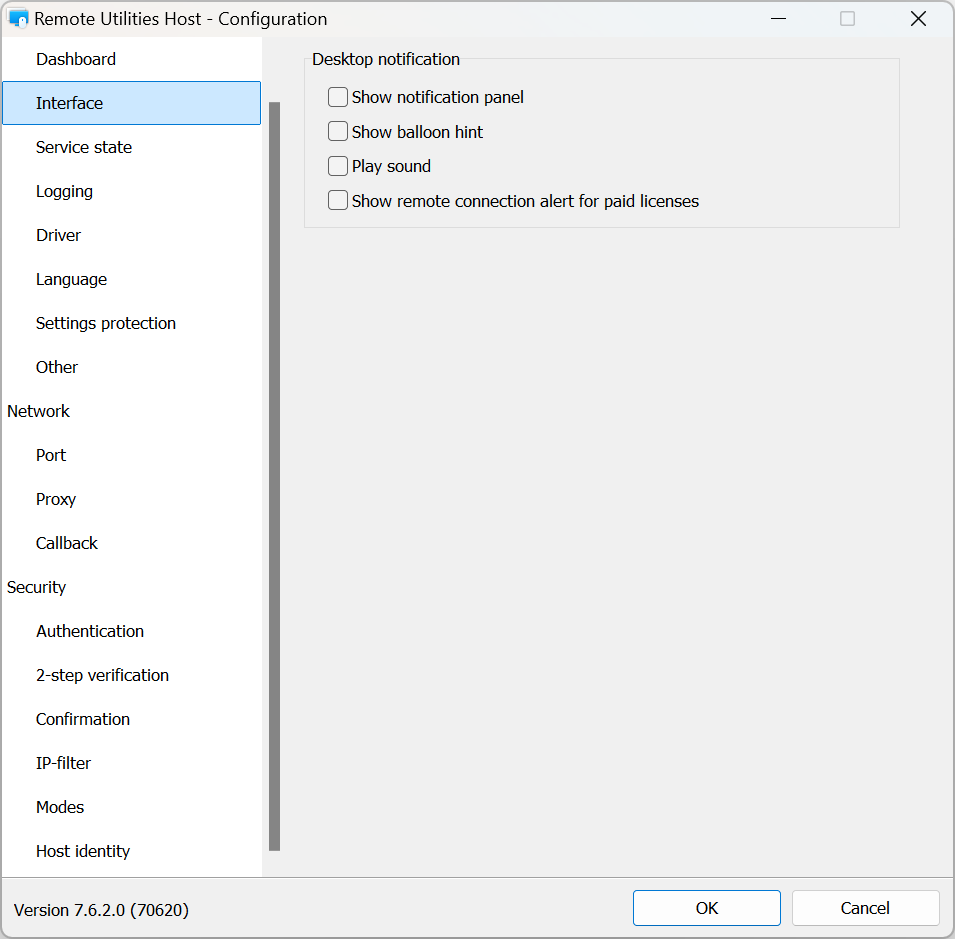
- Show notification panel for paid licenses — shows the notification panel for commercial licenses as well (Host restart required).
- Show collapsed — minimizes the notification panel to the right edge of the screen.
- Hide close buttons for connection modes — hides the “X” buttons in the notification panel that let the user terminate specific connection modes.
- Automatically collapse the notification panel after 5 seconds.
- Show balloon hint — displays a standard Windows balloon hint when a remote connection is established.
- Play sound — plays a sound when a remote connection is established.
Logging
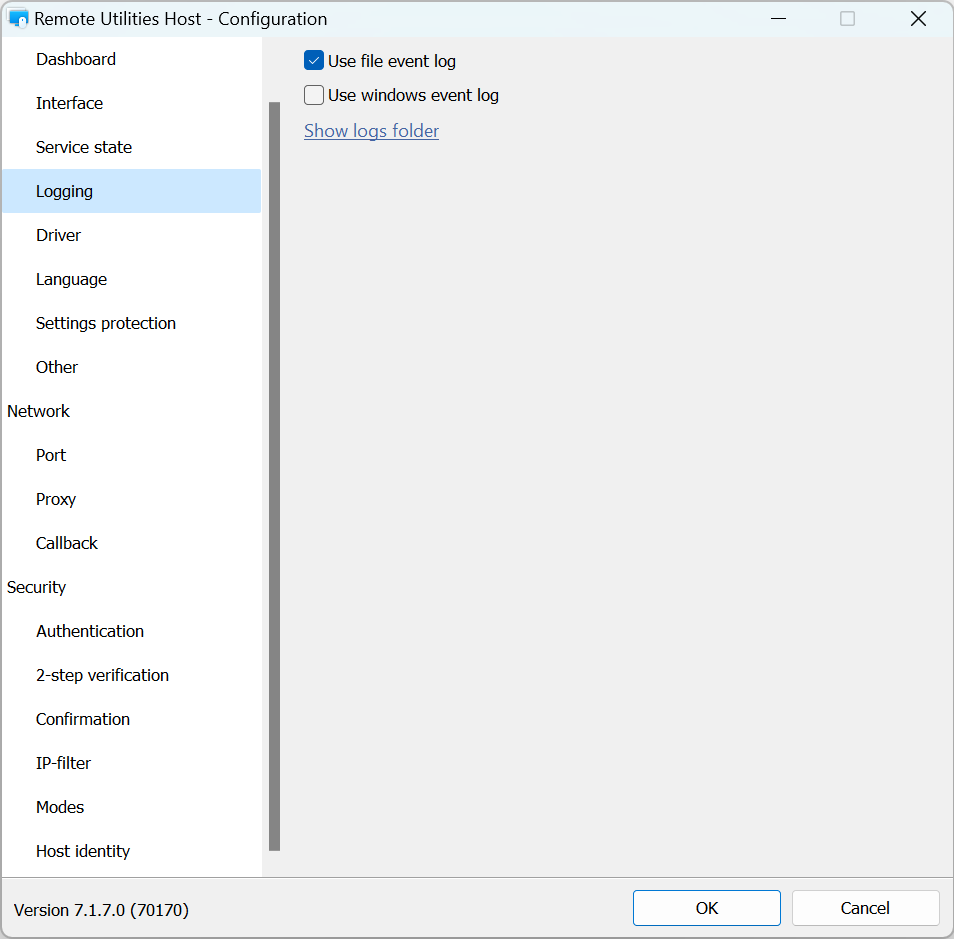
- Use file event log—log events to a file.
- Use Windows event log—log events to Windows event log.
- Show logs folder—opens Host log folder. See Host log for more information.
Driver
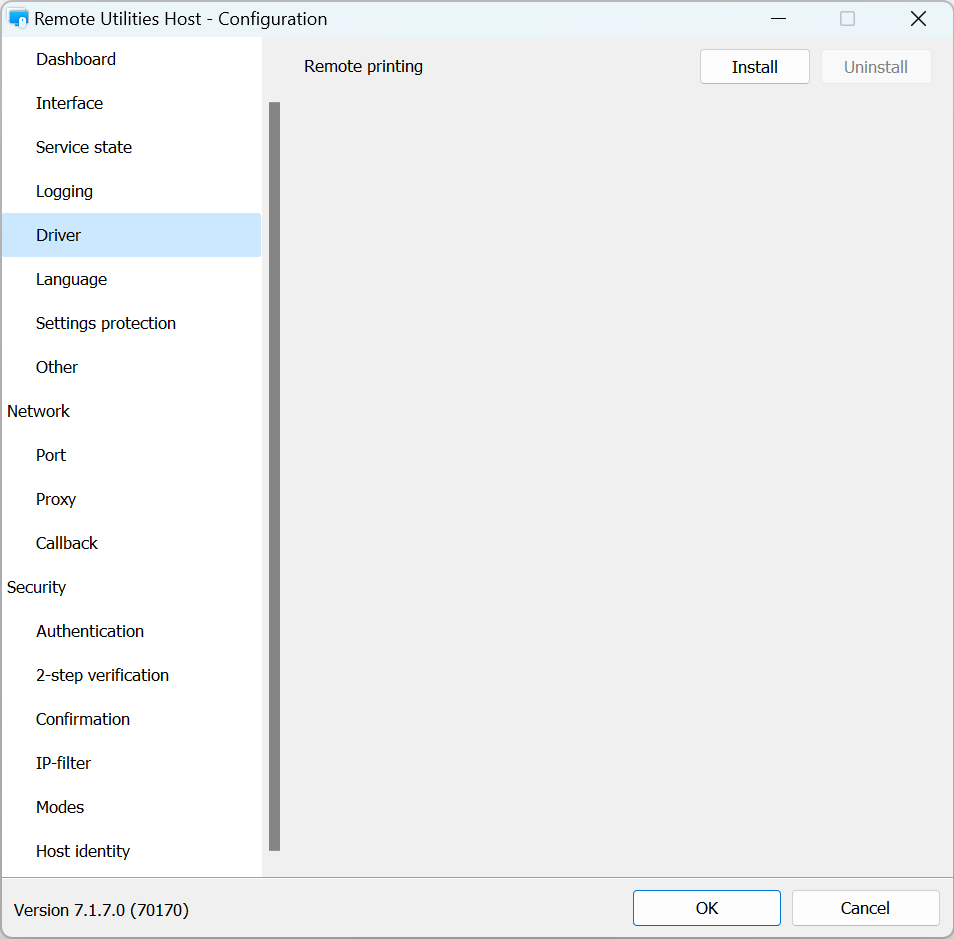
- Remote printing—install or uninstall the driver used for remote printing.
Language
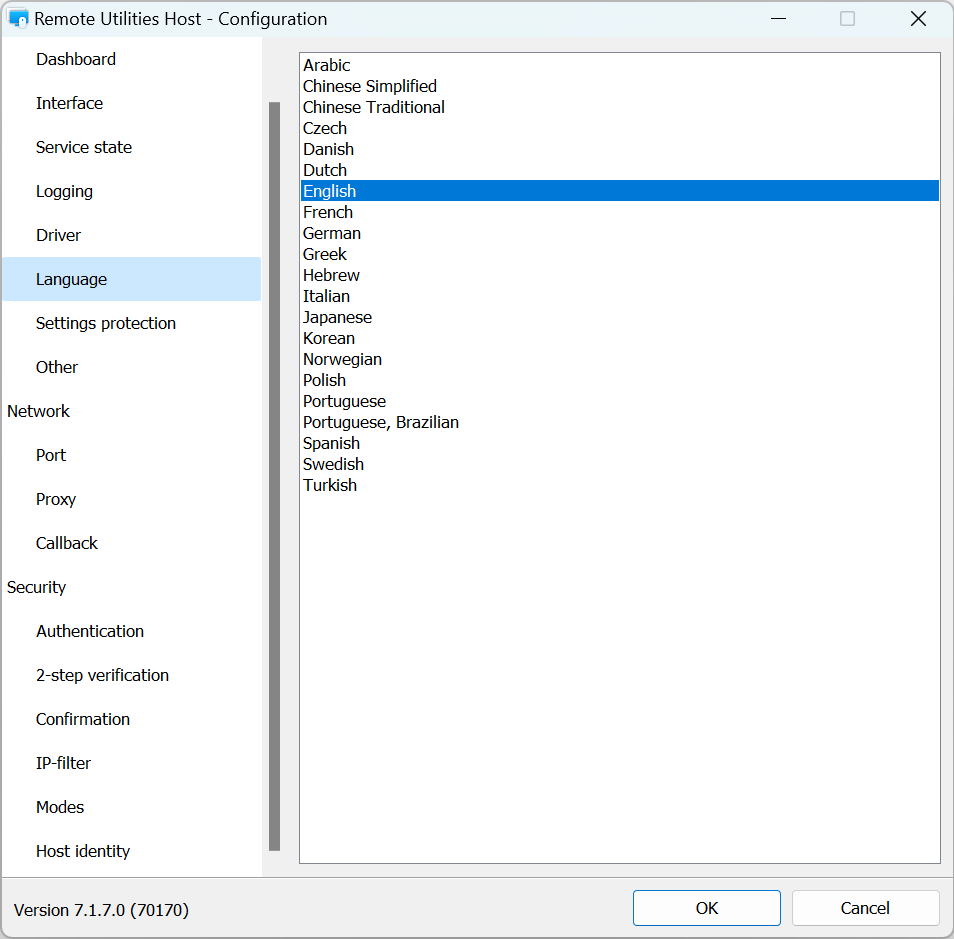
Choose Host interface language and click OK. Host restart required.
Other
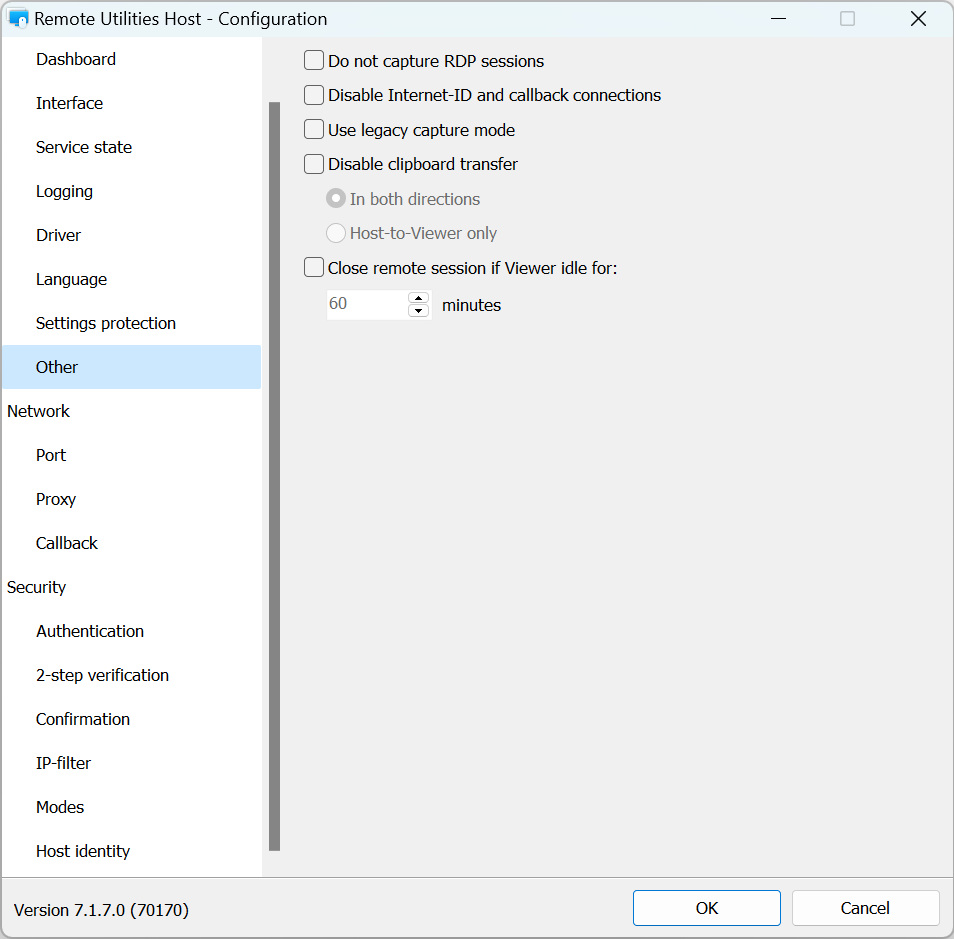
- Do not capture RDP sessions—turn on this option, if you do not want to capture remote (RDP) terminal sessions.
- Disable Internet-ID and callback connections—restrict this Host to accepting direct connection only.
- Use legacy capture mode—turn on this option if you have issues when using the Full Control and View mode.
- Disable clipboard transfer—turn off the automatic transfer of clipboard contents.
- Close remote session if Viewer idle for—if there is an active remote session and Viewer stays idle\not used for specified interval the session will be terminated by the Host.
- Host identification—These fields are used in the MSI Configuration to specify which address book and folder this Host should be added to on the server’s address book during address book sync.