Blog
Release notes, how-tos and opinions on self-hosted remote access from the Remote Utilities team.
Pros and Cons of Windows Remote Desktop Services
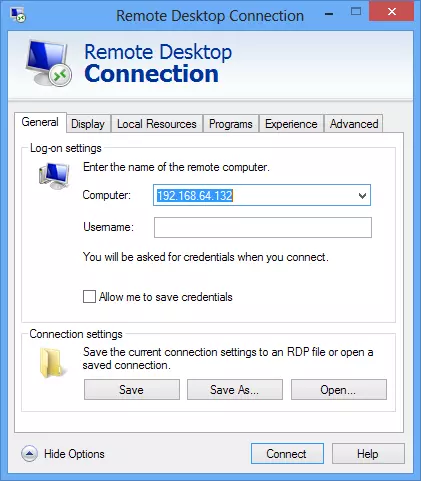
The Windows Remote Desktop Services, or Windows RDS for short, is Microsoft's remote desktop tool which is customized specifically to the features of Windows in all its various iterations. This service is available in both Windows 7 and Windows 8, and offers a free way to access a Windows computer remotely. Remote Utilities also supports RDP connection.
Read more
A Look at Modern License Management
Software licensing has changed over the years, with software piracy and other end user situations complicating the distribution of programs. While various digital rights management, or DRM, techniques have come into play, many companies instead opt for the use of floating software licensing and a license manager tool. The use of both can help you to secure your software and also enable remote distribution to many different users in a simple manner.
Read more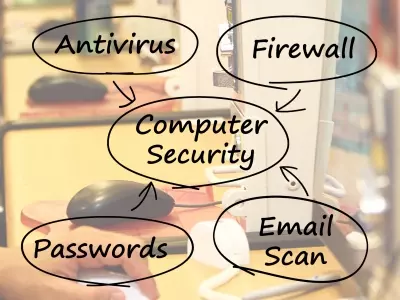
What is a Network Administrator?
Virtually every business that has an IT department has a network administrator. Despite the common nature of this position, few people truly understand what such an individual does. By understanding what a network administrator does, you can communicate more effectively with your own administrator and also make sure that you know which qualities to look for if you are ever in the position where you need to find somebody to fill this role.
Read more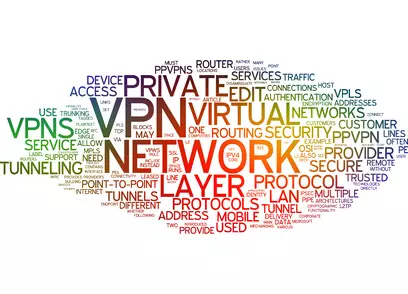
Guide to Virtual Private Networks
Imagine leaving your home wearing a clearly legible sign around your neck that provides all of your most important and private information: your name, address, contact information, banking and other financial data, all of your shopping habits, places you frequent and what you do while you are there. Most of us would not want to share this information with complete strangers, for many obvious reasons. This data can put you at risk in any number of ways, including potential theft and physical harm. Yet, that is exactly what many people do every time they use internet.
Read more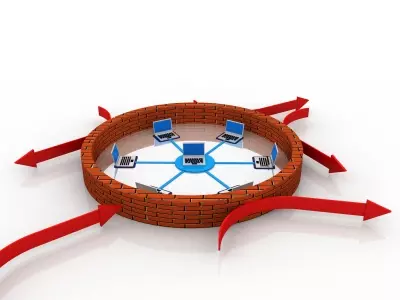
Port Forwarding and You
One of the most common techniques out there for people with a remote desktop is port forwarding. This allows remote computers to access a local area network (LAN) or specific router fr om an outside location. This technique is extremely useful if you are on the go a lot but want to keep using a specific network. It is especially useful to small businesses, which use it to connect satellite offices, provide remote access to employees on the move, and more.
Read more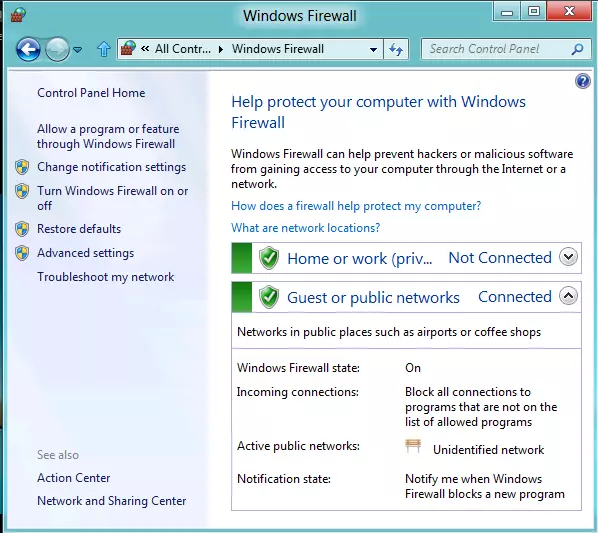
A Brief Overview of the Windows Built In Firewall
Windows has had a built in firewall since Windows XP, and maintained that feature during transitions to Vista, Windows 7, and Windows 8. The goal of the firewall is to enhance security for users, particularly those who are not thoroughly experienced with potential online hazards. Some more advanced users consider the Windows firewall to be a bit too cumbersome. This guide will give you a quick rundown on the firewall and when it should and should not be used.
Read more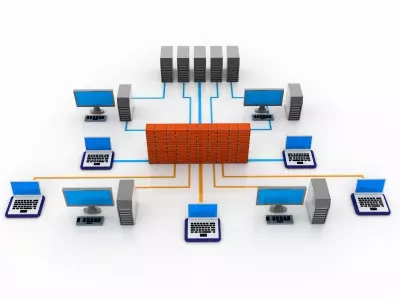
7 Tips to Secure Your Network
The Internet has created a vast network for business that has improved communications and operations exponentially. Unfortunately, the Internet has also created a new environment primed for security threats and cybercrime. A network attack can result in consequences that may range from being mildly troublesome to completely debilitating. Businesses have faced the loss of important data, privacy violations, and hours or sometimes days, of network downtime.
Read more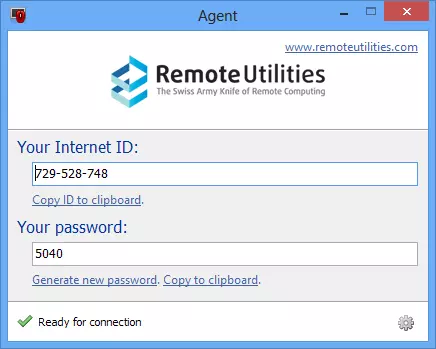
How to Configure the Host for Attended-Only Support
As many of you know, Remote Utilities provides a separate module called the “Agent” for spontaneous remote support. This program is actually a modified Host that can be run as an application without administrative privileges. The advantage of using the Agent is that it does not require installation. The remote user can run it, give the help desk technician their ID and password and wait until a remote session starts.
Read more
Potential Storms on the Cloud
Cloud computing, the delivery of computer hardware and software services over the internet, is being hailed as THE solution for many business IT challenges. There are many advantages to Cloud computing, including data storage, mobile access, potential savings in system hardware and more. However, there are many disadvantages to Cloud computing as well. Depending on your needs, the best solution for your business may be to stick with a more traditional product delivery. Before you throw caution to the winds and dedicate your IT needs to the Cloud, it is important to understand the weaknesses of the Cloud and how these may affect your business.
Read more
RATs Pest Control
Throughout history, rats have been regarded as filthy vermin responsible for damaging property, destroying food, and spreading parasites and diseases that have caused great devastation. At the slightest sign of a rat infestation, most people act immediately to eliminate the invading pests and prevent future intrusion, damage and risk.
Read more