Deployment
Put Remote Utilities on every computer you manage, already configured, and keep your address book in step with your network.
From One Package to the Whole Network
Every tool you need is built into the Viewer and the self-hosted server.
Build your package
The MSI Configurator produces a Host installer with your settings already inside.
Roll it out
Push it through Group Policy or the Remote Install tool, or hand users a one-click file. Update later from the Viewer.
Keep the list current
Import computers from Active Directory and sync one address book to every technician.
Configured before it is installed
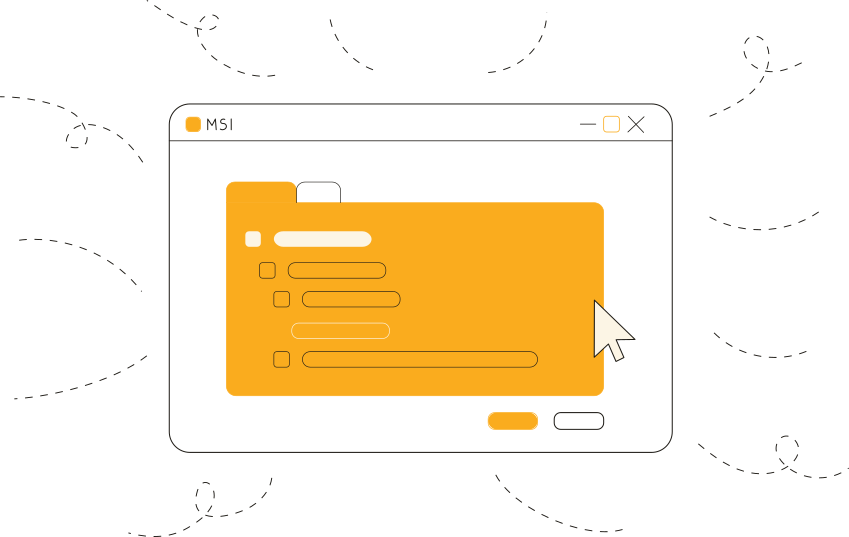
The MSI Configurator is a wizard built into the Viewer. Set the access password, the connection type and any other Host option once, and save the result as a ready-to-install package.
Save your choices for next time
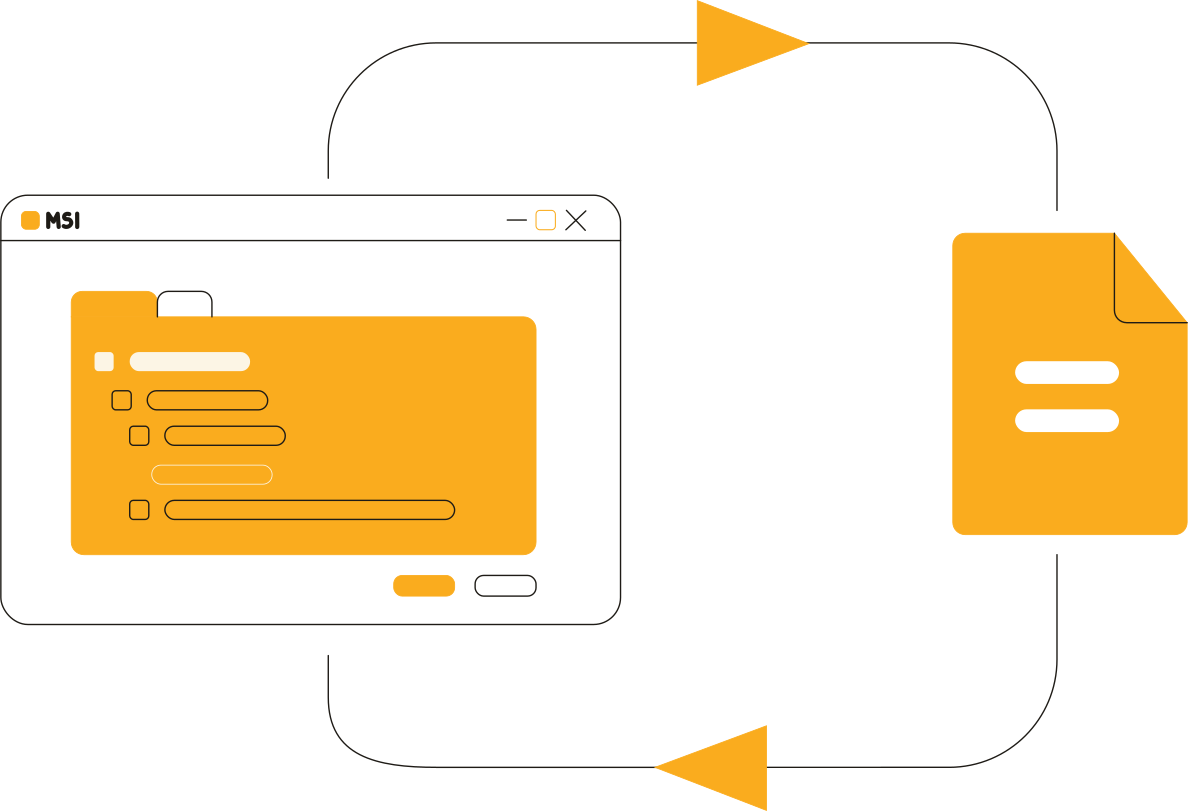
Keep your settings in a file and load it into the wizard when a new version comes out. Use separate files for different sites, departments or customers.
Updates when you decide
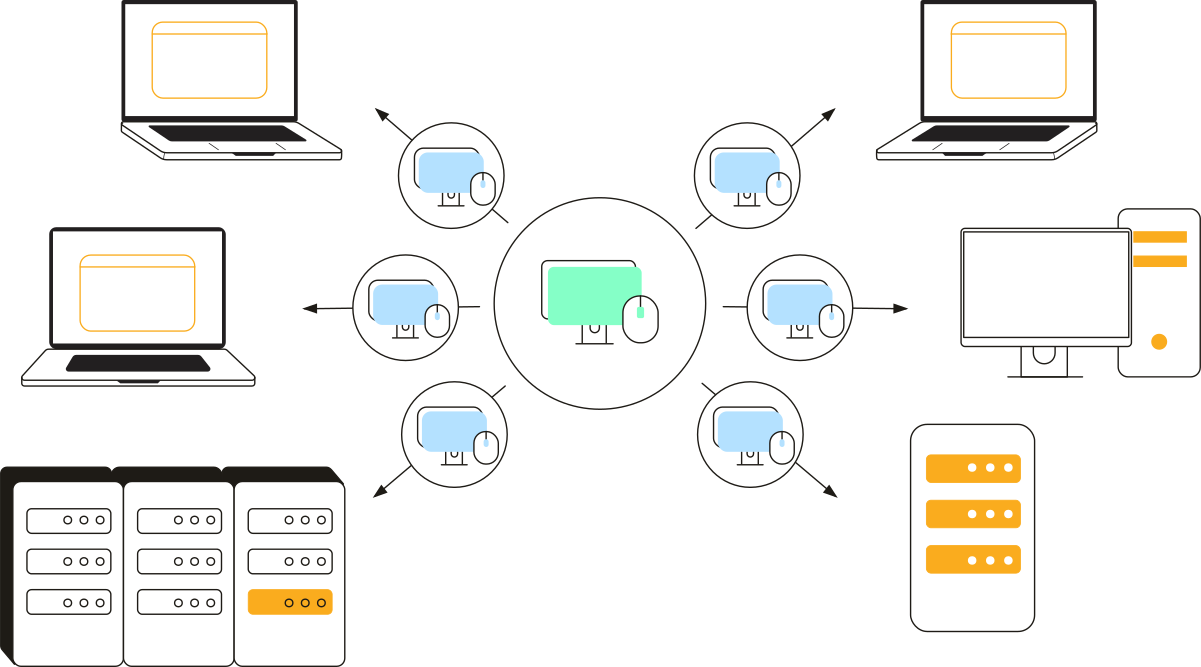
Your address book shows which Hosts are behind. Select them and start the update from the Viewer, a few computers or a whole group at a time. The update is automated, not automatic: nothing changes on a remote computer until you say so.
Four Package Types
Host EXE
A standard Host installer with a setup wizard, for manual installation.
Host MSI
A Host package for automated deployment in an Active Directory network.
Host one-click EXE
Manual installation without the setup wizard: the user runs the file and the Host installs silently.
Agent EXE
A run-only Agent for spontaneous support, with your logo and welcome text.
Three Ways to Deploy
Pick the method that suits each network. They can be combined: Group Policy inside the domain, a one-click file for the computers outside it.
Group Policy
Push-install the MSI package across a Windows domain with a group policy object.
Deploy with GPORemote Install tool
Install, upgrade or remove the Host on selected computers right from the Viewer.
Remote Install toolBy hand
Send the one-click package to remote users, or run the installer yourself on each computer.
Installation guideActive Directory
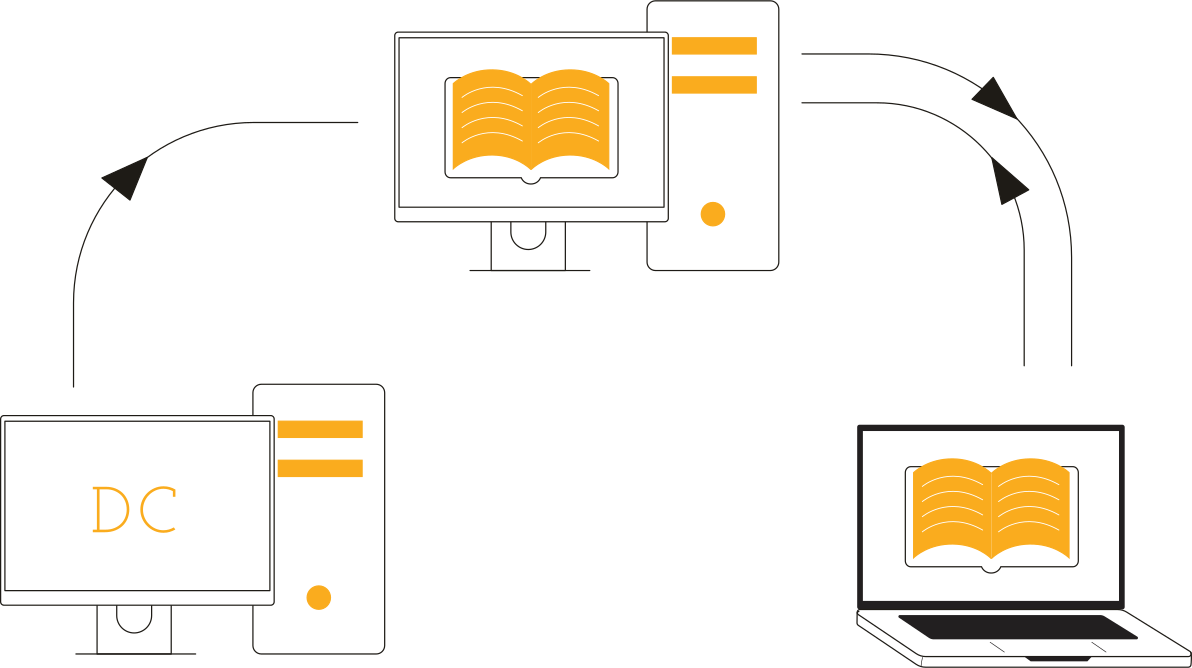
The self-hosted server reads your domain and shares the result with every Viewer, so the address book follows the network by itself.
Import on a schedule
The server asks a domain controller for the list of computers and puts them into the server address book.
Self-hosted serverSync to every Viewer
The server address book is synced to all technicians, so a new machine appears without anyone adding it.
Address book syncSign in with domain accounts
Give domain users and groups their own permissions on the Host with Windows security.
AD authenticationStart With One Package
The MSI Configurator is part of the Viewer on every license, the free one included. Build a package and try it on a few computers first.