Remote Utilities 2.0.1 for Linux and macOS with full Wayland support
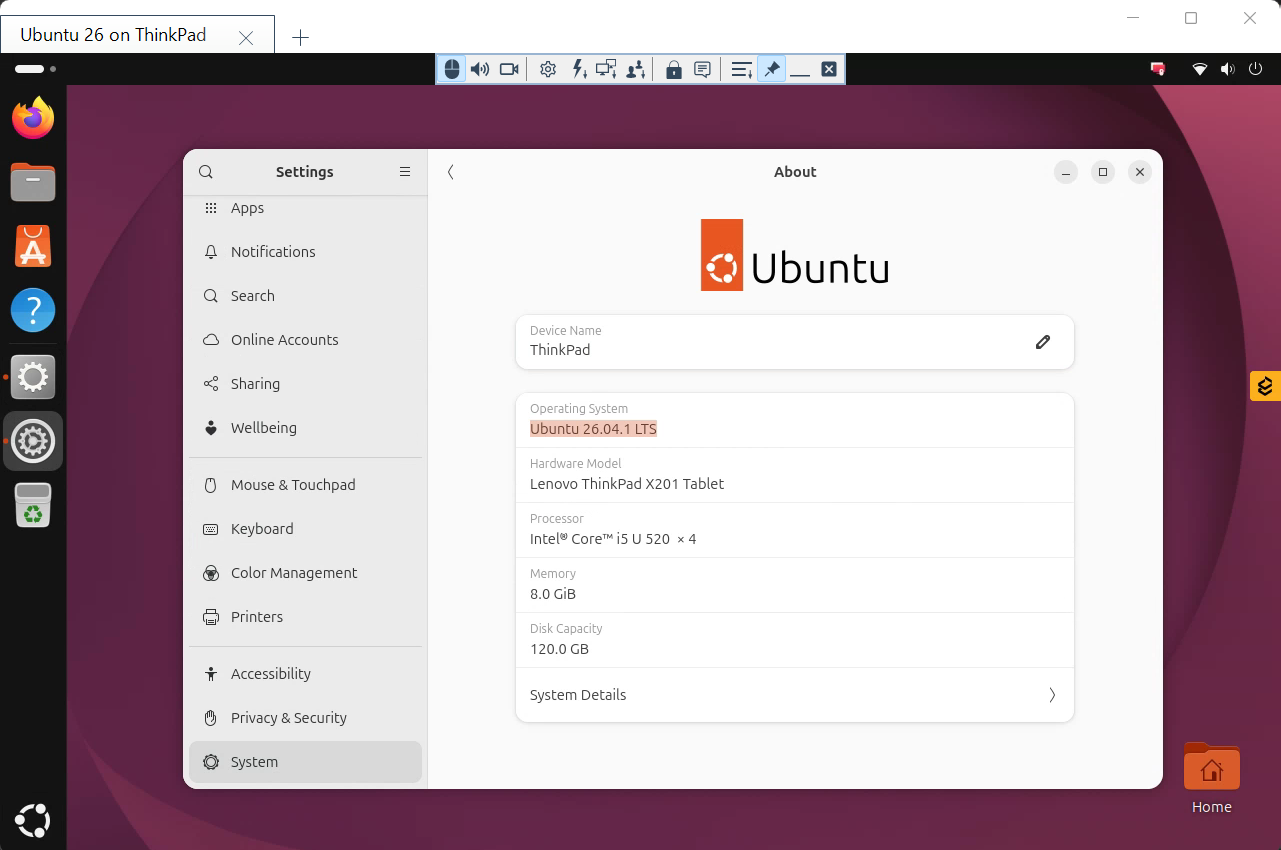
Remote Utilities 2.0.1 for Linux and macOS is out — the first release of both editions after the beta program. The headline feature is one the Linux community has been waiting for: full remote control of Wayland desktops, including unattended access.
Why this matters
Over the past two years, Linux desktops have quietly switched from the X Window System to Wayland. Ubuntu 26.04 LTS, Fedora 44 and the current KDE Plasma ship Wayland only; the traditional advice of "just sign in to an Xorg session instead" no longer applies, because on a fresh install there is no Xorg session to switch to.
For remote access, this has been a real problem. Wayland does not let applications see the screen or send keystrokes the way X11 did. Many remote desktop tools responded by either requiring X11 for incoming connections or by supporting Wayland only while someone sits at the remote computer and clicks "Allow". For unattended access — the reason most of our customers use Remote Utilities — that is not good enough.
What 2.0.1 gives you on Wayland
- Full Control and View on Wayland desktops with no X11 installed.
- True unattended access. Connect when nobody is at the computer: to the login screen, to a locked screen, and after a reboot.
- No permission prompts on the remote side. The Host is a system service, and it behaves like one.
- Independence from the desktop environment. GNOME, KDE Plasma or something else — the Host works the same way.
- The remote mouse cursor is transmitted and drawn correctly, multi-monitor works, and keyboard shortcuts, modifiers and the numeric keypad behave as they do on Windows.
- Nothing to configure. The Host detects the session type, Wayland or X11, on its own. Existing X11 setups keep working exactly as before, and the "Set up X11" dialog is gone.
One thing to know
The Agent — the portable module for spontaneous support sessions that runs without installation — cannot capture the screen on Wayland. Screen capture at that level requires a system service, which is what the Host is. If you support Wayland machines, install the Host.
New in the Viewer
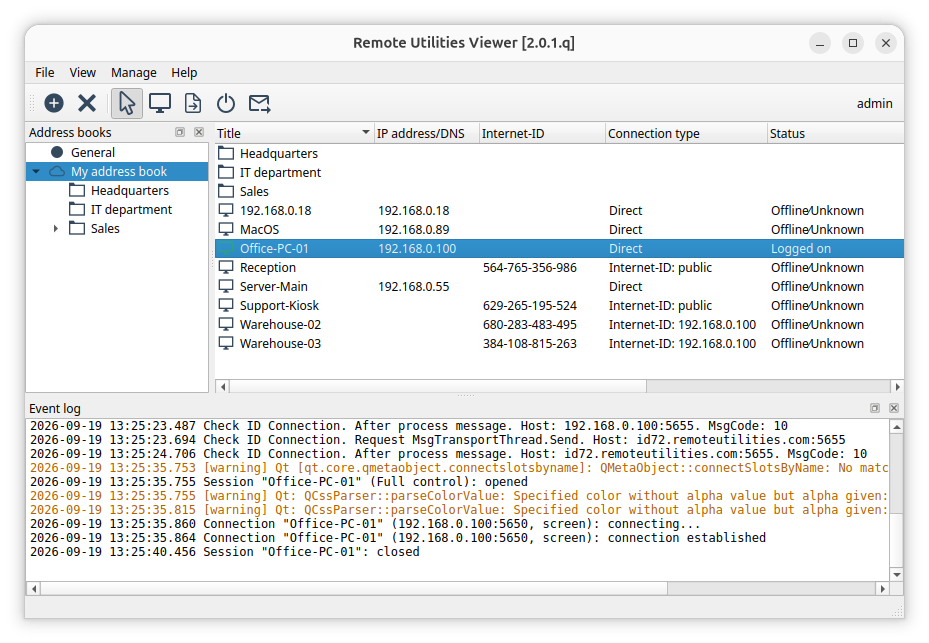
- Interface in 23 languages, selectable in settings.
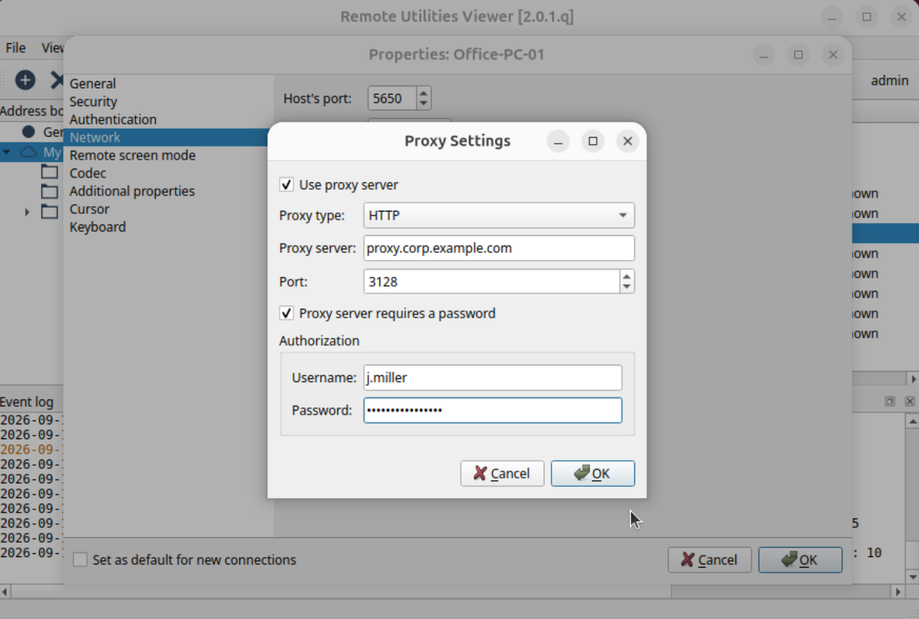
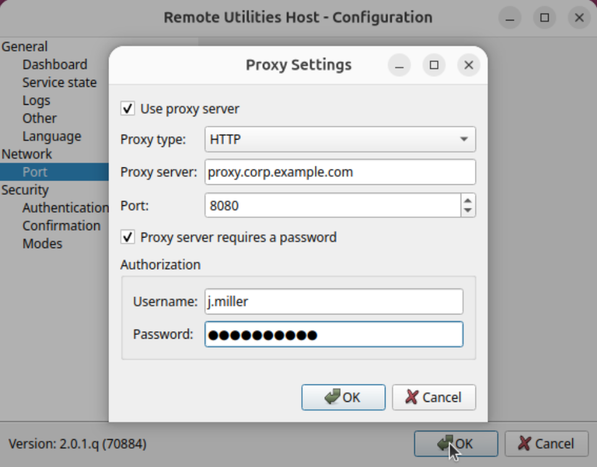
- Proxy support: HTTP, SOCKS4/4A and SOCKS5, used for direct connections, Internet-ID connections and Check ID.
- Sign-in through your own RU Server, and license keys synced from the server to the Viewer.
- Event log: a panel in the main window, a log file on disk, and an Event log page in settings. Failed update checks now write their reason there too.
- Address book import and export in XML, Wake-on-LAN in the connection menu, and the selected monitor is remembered per connection.
New in the Host
- Interface in 23 languages.
- Proxy support for Internet-ID connections.
- Server selection and a user permissions page for authentication through your own RU Server.
- Lock input: block the remote keyboard and mouse during a session.
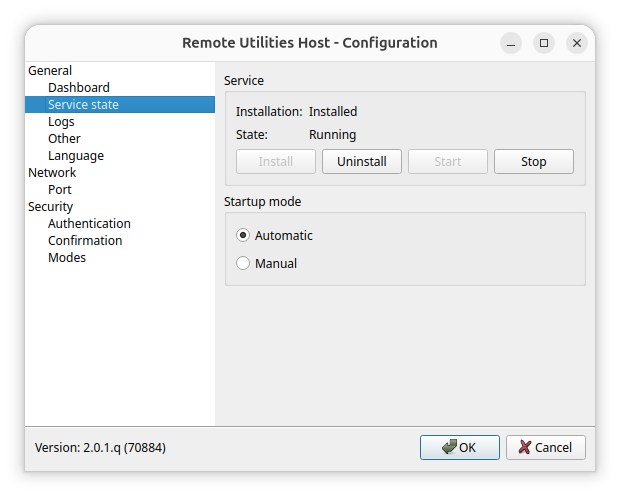
- A new Service state page: service status, Install/Uninstall/Start/Stop, and Automatic/Manual startup in one place. A Restart Host item was added to the tray menu.
- Fixes: duplicate tray icons after a service restart, Start/Stop menu items that silently did nothing without elevation, systemd errors on a clean package install.
macOS
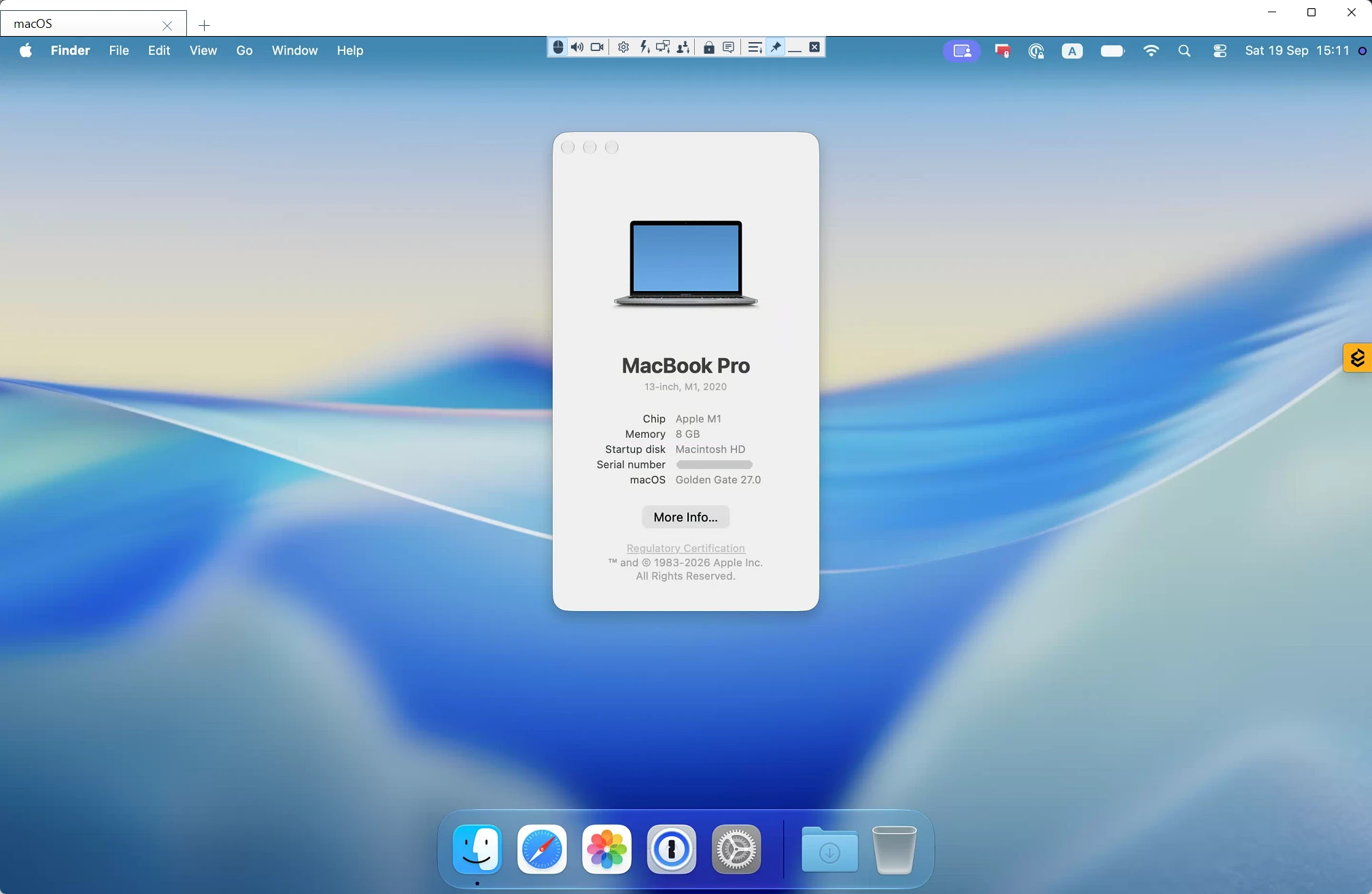
The macOS edition reaches 2.0.1 the same day and gets everything above except the Wayland work, which is Linux-only. Mac-specific changes:
- Screen capture at full Retina resolution; the mouse cursor is drawn once and sharp.
- The tray application no longer appears in the Dock, and the Host panel opens above other windows.
- Fixed: settings changed from the tray icon dialog, including the language, were not saved.
- Fixed: on macOS 27, clicking the status bar icon crashed the tray application.
- Universal builds for Apple silicon and Intel. The Viewer .dmg, Host .pkg and Agent are signed and notarized.
Packages and download
Linux: .deb, .rpm and .tar.xz for Viewer and Host, .tar.xz for the Agent. The .rpm has no hard dependencies and installs on RED OS, Astra Linux and ALT Linux. macOS: universal .dmg and .pkg.
Download from the Linux and macOS download pages. Beta users can upgrade by installing the new packages over the existing ones. Questions and feedback are welcome on the forum.