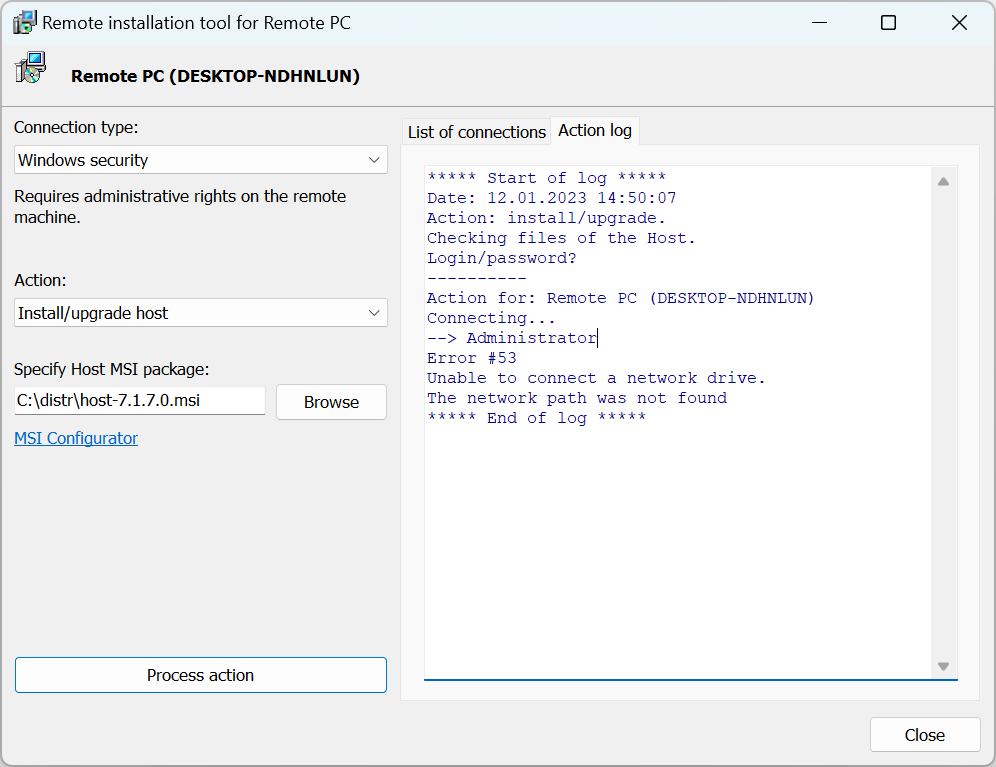
Unable to connect a network drive. The network path was not found
Symptoms
When using the Remote Install tool you may receive the following error: "Error #53 Unable to connect a network drive. The network path was not found".
Solution (Windows 11)
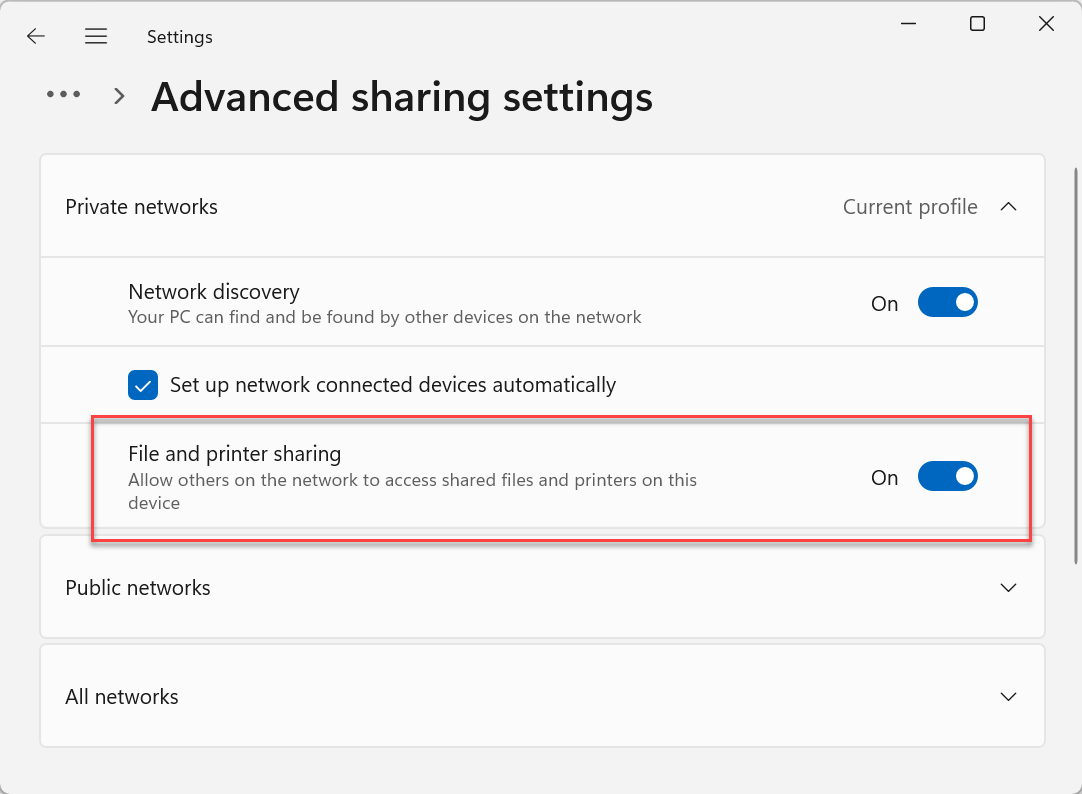
Open Windows Settings, go to Network & internet→Advanced network settings→Advanced network settings (under "More settings") and turn on the File and printer sharing option.