"Administrator rights are required" error
Symptoms
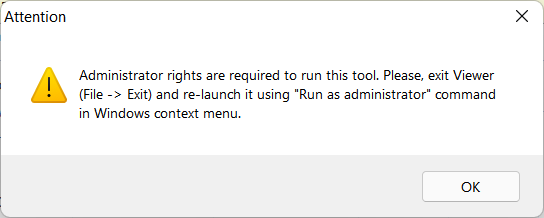
When attempting to run the MSI Configurator, a warning appears:
Solution
- Fully exit the Viewer (File➝Exit).
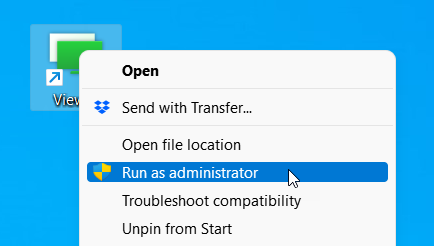
- Right-click the Viewer shortcut on the desktop and select Run as administrator:
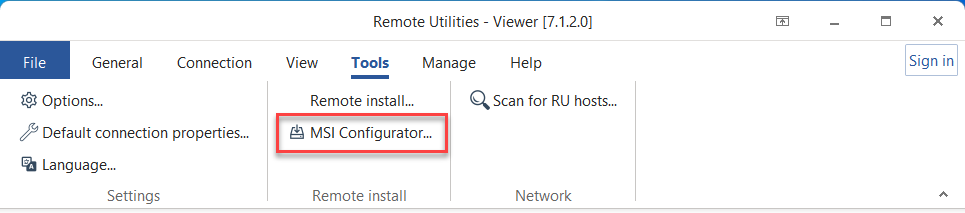
- Go to Tools and click MSI Configurator to run the tool: