Community
Released: Remote Utilities 7.9 for Windows, 2.1.1 for macOS and Linux,
Links used in this discussion
Links used in this discussion
- https://www.remoteutilities.com/blog/remote-utilities-7-9-release/
- https://www.remoteutilities.com/product/release-notes.php
- https://www.remoteutilities.com/download/
- https://www.remoteutilities.com/download/?os=mac
- https://www.remoteutilities.com/download/?os=linux
- https://www.remoteutilities.com/download/?os=mobile

Conrad Sallian,
Support (Posts: 3276)
Oct 24, 2026 1:56:15 pm EDT
Remote Utilities 7.9.0.0 for Windows (with RU Server 3.5.6.0), 2.1.1 for macOS and Linux, and 14.3.0 for iOS and Android are out. The three were built together around two features that work across all of them.
Terminal mode on every platform
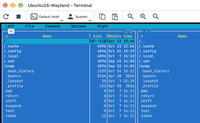
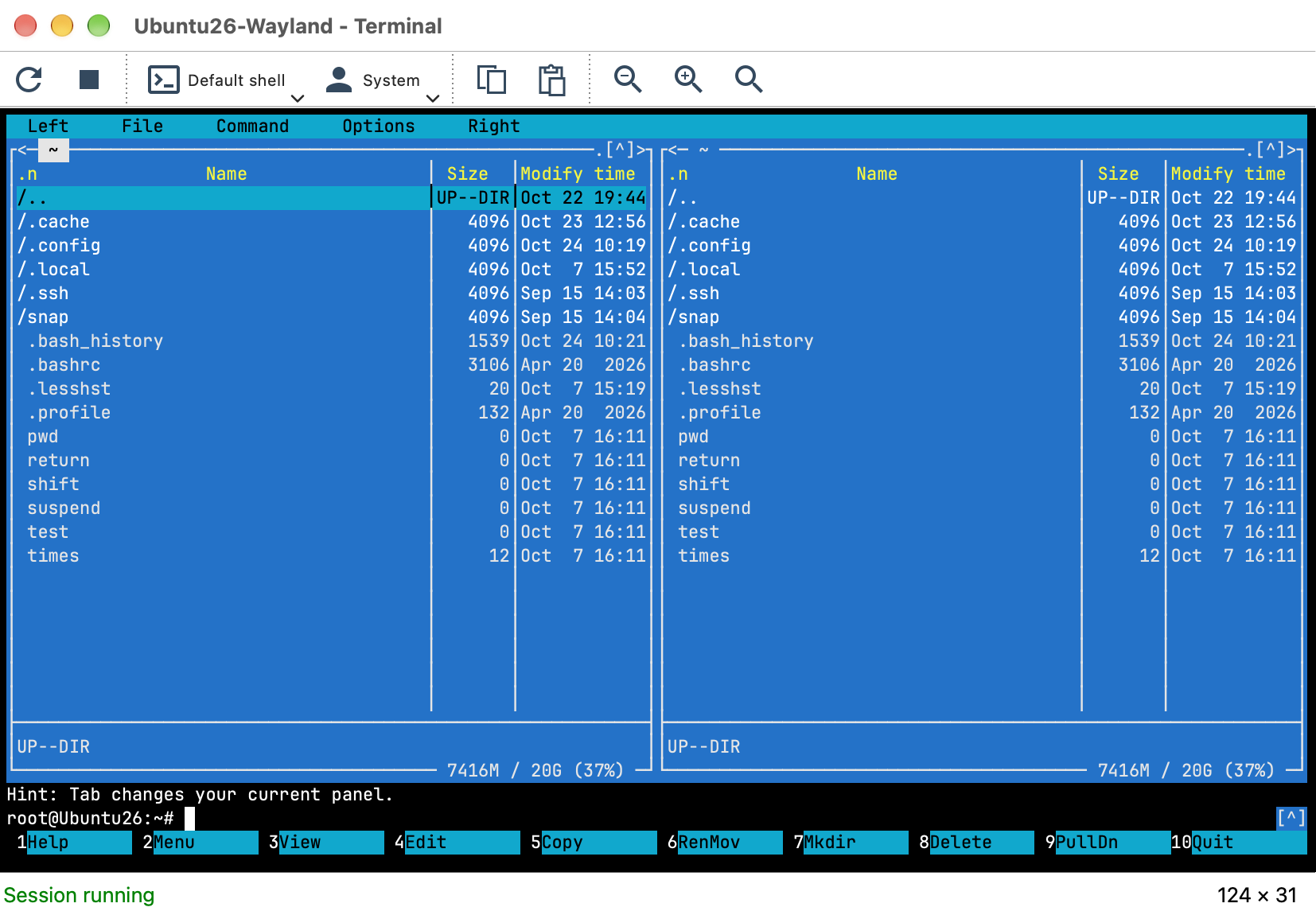
Until now the Terminal mode worked from a Windows Viewer to a Windows Host only. Now any Viewer, including the mobile app, opens a command line on a Windows, macOS or Linux Host. The Host reports the shells it has (Command Prompt, Windows PowerShell and PowerShell 7 on Windows; bash, zsh and the rest on Linux and macOS), and you choose the user context: System, the logged-on user, or, new in this release, any OS account on the remote computer (off by default, Host settings > Modes). The Viewer for macOS and Linux gets a terminal window with scrollback, zoom and mouse support for programs such as vim and mc.
Files through the clipboard
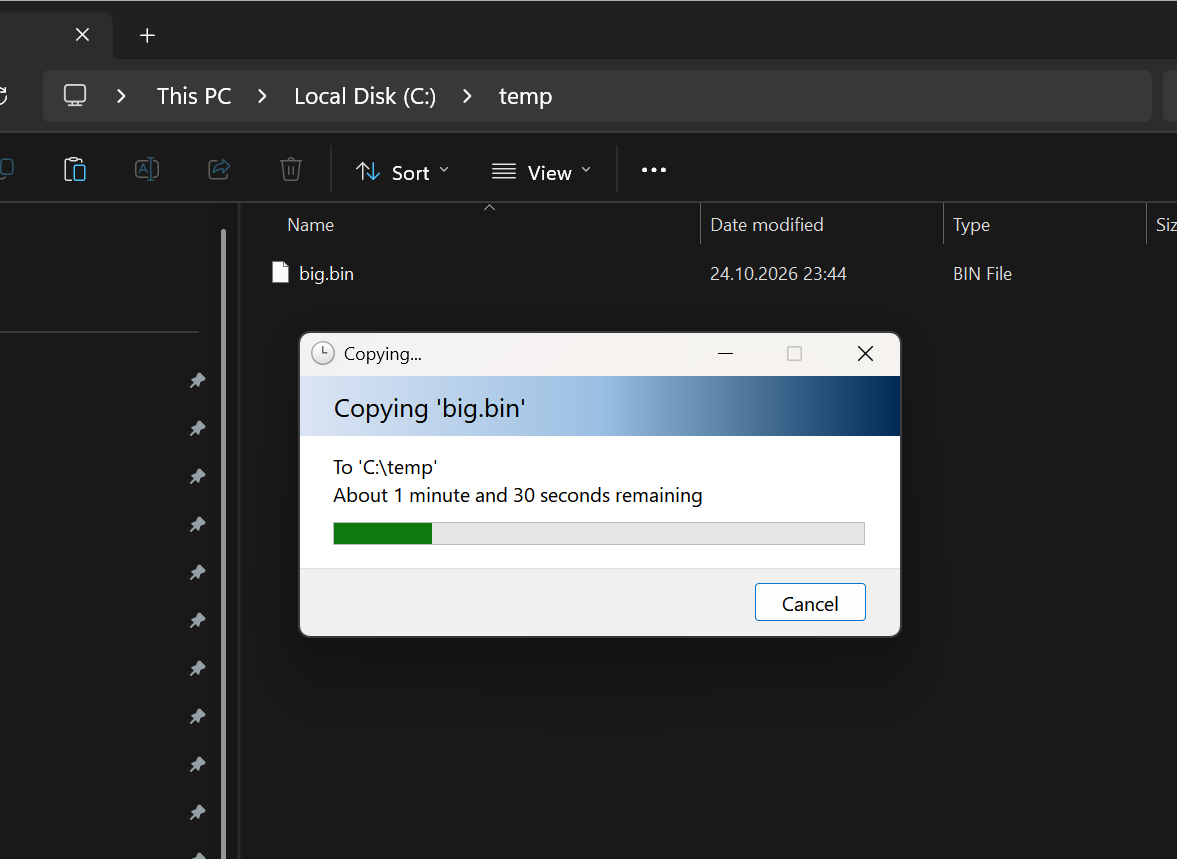
In a Full Control session, copy files or folders in Explorer, Finder or your Linux file manager, switch to the other side and paste. Both directions, any combination of Windows, Linux and macOS. Only the list crosses at copy time; the content travels when you paste, over the same channel as File Transfer, with the same permissions. On Windows paste in Explorer, on macOS in Finder, on Linux in any file manager (the Viewer for Linux needs the fuse3 package). The mobile app transfers text only.
Also in this release
Both features need the new version on both sides, so update the Viewer and the Hosts. On Windows the Viewer offers the update and can update the Hosts from the address book; on macOS and Linux install the new version over the old one; the mobile app updates from the App Store and Google Play.
Blog: Remote Utilities 7.9: Terminal mode on every platform and files through the clipboard
Full list of changes: Release notes
Downloads: Windows · macOS · Linux · mobile app
Terminal mode on every platform
Until now the Terminal mode worked from a Windows Viewer to a Windows Host only. Now any Viewer, including the mobile app, opens a command line on a Windows, macOS or Linux Host. The Host reports the shells it has (Command Prompt, Windows PowerShell and PowerShell 7 on Windows; bash, zsh and the rest on Linux and macOS), and you choose the user context: System, the logged-on user, or, new in this release, any OS account on the remote computer (off by default, Host settings > Modes). The Viewer for macOS and Linux gets a terminal window with scrollback, zoom and mouse support for programs such as vim and mc.
Files through the clipboard
In a Full Control session, copy files or folders in Explorer, Finder or your Linux file manager, switch to the other side and paste. Both directions, any combination of Windows, Linux and macOS. Only the list crosses at copy time; the content travels when you paste, over the same channel as File Transfer, with the same permissions. On Windows paste in Explorer, on macOS in Finder, on Linux in any file manager (the Viewer for Linux needs the fuse3 package). The mobile app transfers text only.
Also in this release
- Agent: a Convert to Host button turns the portable Agent into an installed Host, keeping the Internet-ID and password.
- Windows Viewer: refreshed ribbon and docking panels in the Windows 11 style.
- macOS: a Send keys menu, a redesigned System access window, and the Host keeps running when its window is closed.
- File Transfer on macOS, Linux and mobile: a file the Host cannot provide is skipped with a message instead of stopping the whole task.
- All 23 interface languages complete, including the new Terminal strings.
Both features need the new version on both sides, so update the Viewer and the Hosts. On Windows the Viewer offers the update and can update the Hosts from the address book; on macOS and Linux install the new version over the old one; the mobile app updates from the App Store and Google Play.
Blog: Remote Utilities 7.9: Terminal mode on every platform and files through the clipboard
Full list of changes: Release notes
Downloads: Windows · macOS · Linux · mobile app
* Website time zone: America/New_York (UTC -4)