Hello Dax,
Thank you for your message.
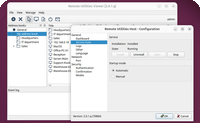
Someone will only be able to access a remote system if they have access to your Viewer app on that specific computer. Remote Utilities keeps its address book locally, not in the cloud.
If this is an issue, you can additionally encrypt your address book with a password that only you know. Here is how:
https://www.remoteutilities.com/support/docs/encrypting-address-books/This will let you save your passwords without worrying that your address book can be accessed by someone else.