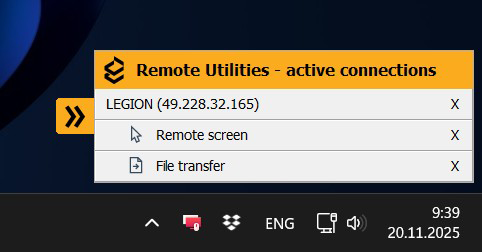
Notification panel with active mode management
The Host now provides a detailed notification panel where administrators can monitor active remote modes, terminate specific sessions, or revoke authorization with one click. Organizations with commercial licenses can restrict or hide this panel entirely.
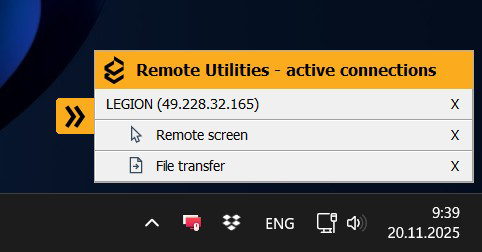
For free and trial license users, this panel replaces the previous persistent alert window.
Smarter tray icon indicators
The Host tray icon now shows a green square overlay when there is an active authorization on the machine or when scheduled screen recording is running:

This helps users see at a glance when the Host is being accessed or monitored.
Startup protection for packages
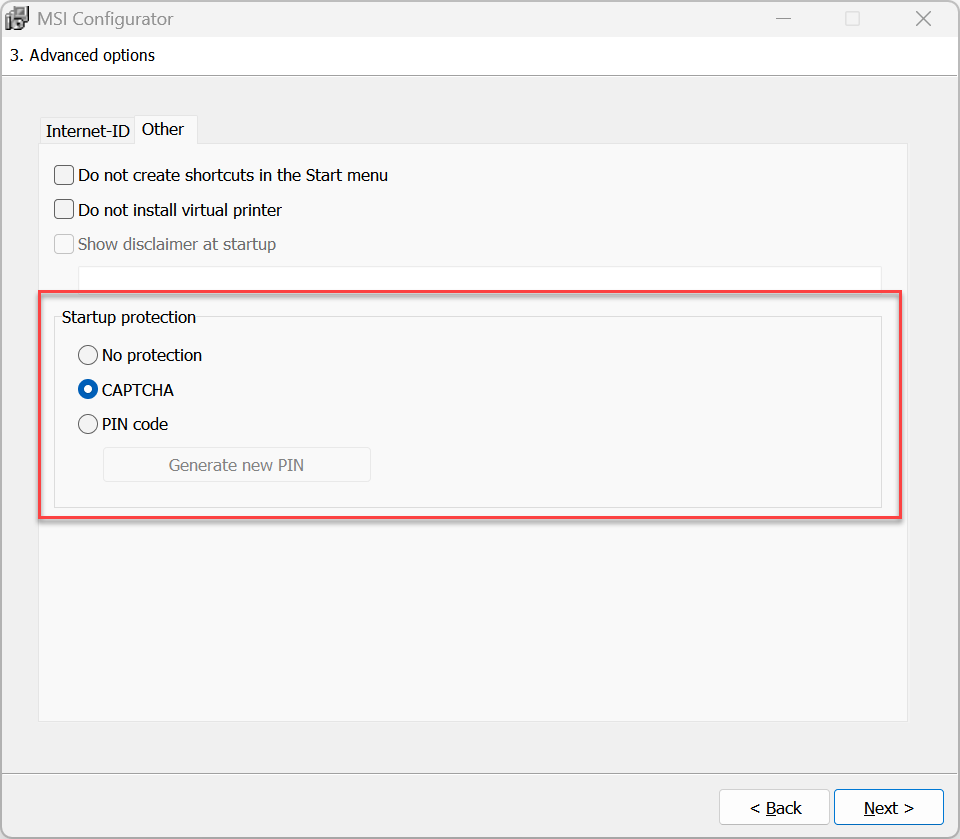
The configurator now supports CAPTCHA/PIN protection for all package types except MSI. This prevents unauthorized users from launching Host installers or Agents customized for a specific environment.
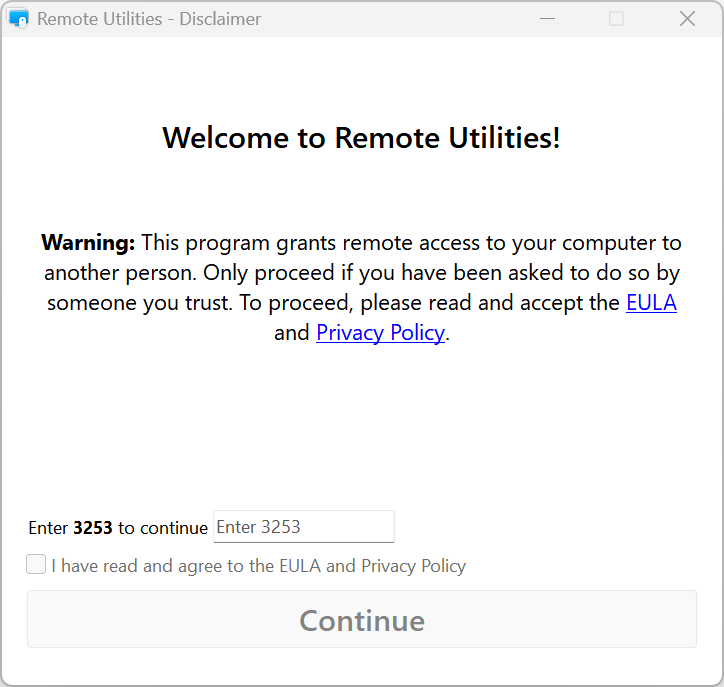
Auto-import improvements
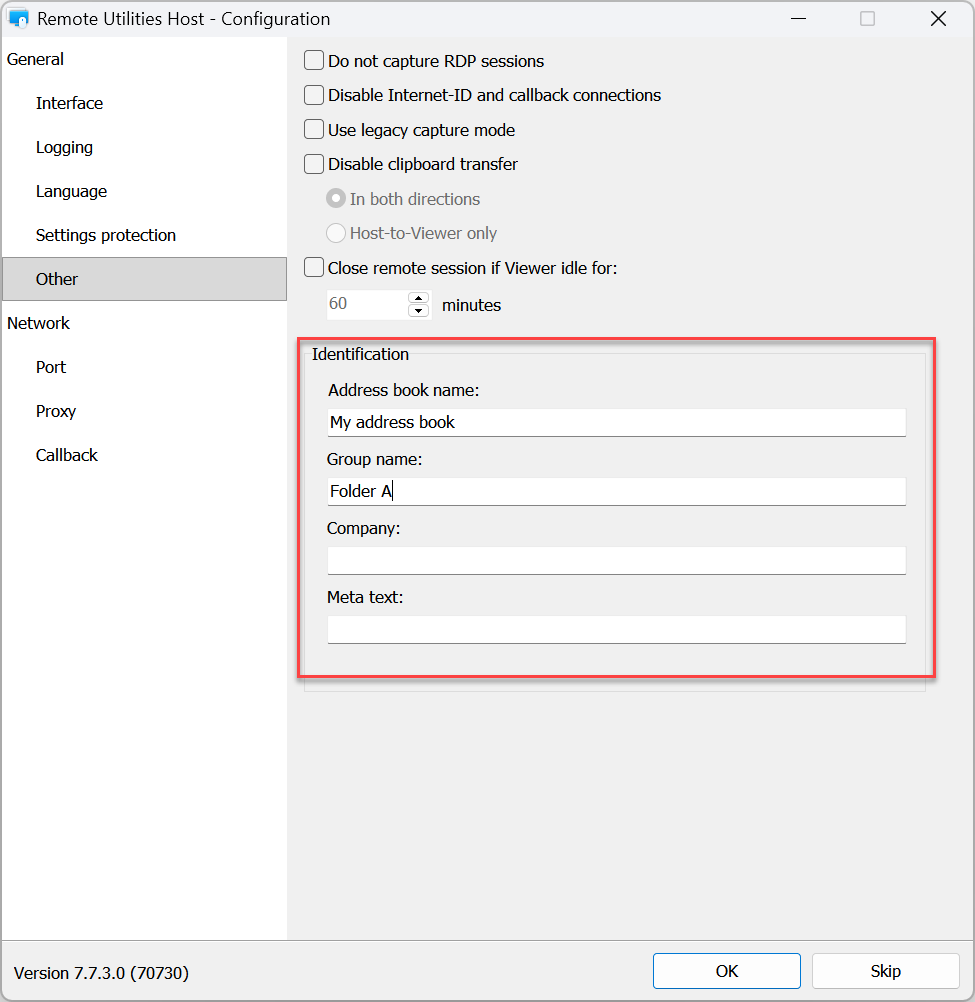
You can now specify a directory and address book in Host settings (via the configurator) for automatic server-side import during address book sync. Auto-import logic has also been improved to reduce duplicate or misassigned entries.
Simplified Kerberos configuration
The Host now supports a simple SPN template, making it easier to deploy secure Kerberos authentication without manual Service Principal Name (SPN) configuration.
Command-line control for Internet-ID
The Host now supports command-line parameters for viewing or generating a new Internet-ID:
-printid— display current Internet-ID-genid— generate a new Internet-ID
This is useful for scripting and automated deployments. Learn about available command-line parameters here.
Security fixes and reliability updates
We improved two-factor authentication workflows, fixed SMTP compatibility issues affecting some providers, and resolved a password configuration problem for Host settings during remote setup and package creation. Numerous smaller refinements and bug fixes are also included.
You can download the latest version on our download page. To leave your feedback, visit our community forum.