Remote Access for Isolated Networks
For plant floors, labs and offices where the network has no way out: every part of Remote Utilities runs on your own hardware, with no Internet connection.
Built for Closed Networks
Three things make it fit where a cloud service is not an option.
No cloud in the path
No account and no outside server is needed to connect. The Viewer reaches the Host directly across your network.
Your own server
The shared address book, sign-in and license keys live on a server inside the perimeter.
Always encrypted
Every session is encrypted, in every connection mode and on every license. Encryption cannot be switched off.
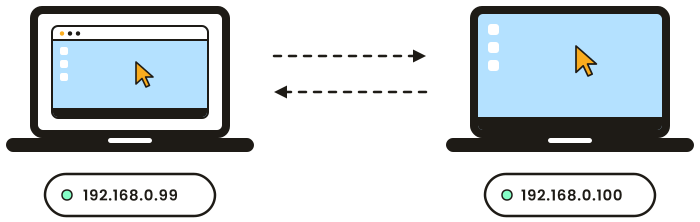
No Internet required
With a direct connection the Viewer addresses the Host by IP address or host name, and no server stands in between. One TCP port on the Host is all it takes. The built-in scanner finds the Hosts in a network segment for you.
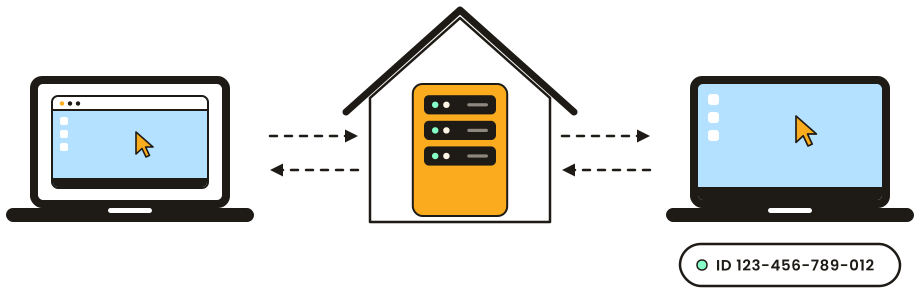
Central management without the cloud
The self-hosted server comes with the product at no extra cost. It syncs one address book to every operator, keeps user accounts and license keys in one place, and needs to reach nothing outside your network.
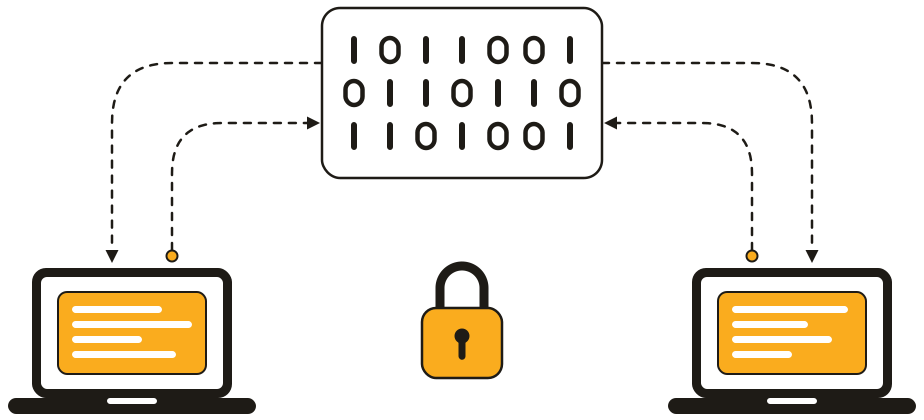
Protected inside the perimeter too
An isolated network is not automatically a trusted one. All data between Viewer and Host travels under TLS encryption, and every session asks for credentials: there are no blank or built-in passwords.
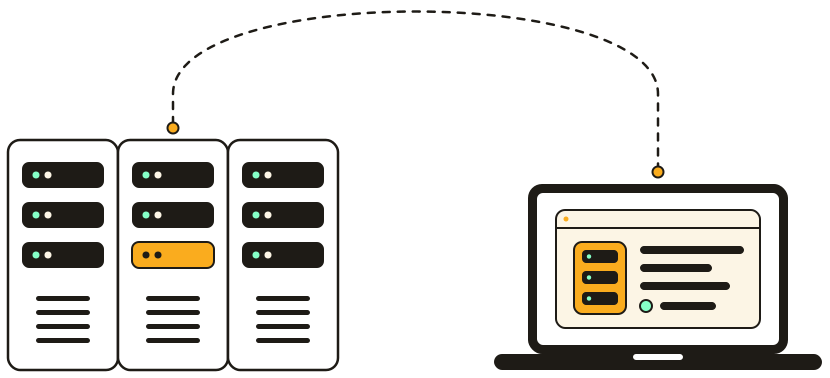
No monitor, no keyboard
Line PCs, kiosks and servers in a rack often have nothing plugged into them. The Host starts with the computer and gives you its screen, keyboard and mouse from your desk, so fewer trips to the floor or the server room.
Control and Audit
Limit the ways in, lock the configuration and keep a record of who connected.
One way in
Open the firewall to a single Host and reach the other computers of a protected segment through it.
Connect through HostLocked settings
Protect the Host settings with a password, so nobody at the machine can change how it is accessed.
Settings protectionSessions on record
The Host logs when it was accessed and in which mode. The Viewer can record every session to a video file.
Host logWhere It Fits
The same setup serves any network that is kept apart from the Internet on purpose.
Industrial networks
Reach operator stations and line PCs from the engineering office instead of walking across the plant.
Government offices
Keep remote access inside the perimeter, with no third party holding your accounts or carrying your traffic.
Labs and research
Check on instrument computers and long-running jobs from your desk, without connecting the lab to the outside.
Licensing That Fits
Two numbers decide your license: how many operators connect at the same time, and how many computers you manage.
Per concurrent user
Operators who connect at different times can share one license seat, so working in shifts does not multiply the cost.
Compare plansSized to your fleet
Plans go from 20 controlled devices to unlimited. The License Assistant finds the one that matches your numbers.
License AssistantBuy once, own it forever
A license is a one-time payment for the current major version. Minor updates are free.
Upgrade PolicyTry It in Your Network
Carry the installers into your network and try the program for 30 days with no limit on the number of remote computers. The trial and license registration work without an Internet connection. Non-profits and educational institutions get a 20% discount: request a quote.